
Field-Ready Updates: What's New in ProjectSight Mobile This Month
Four updates to ProjectSight Mobile that make daily reporting faster and more accurate in the field.
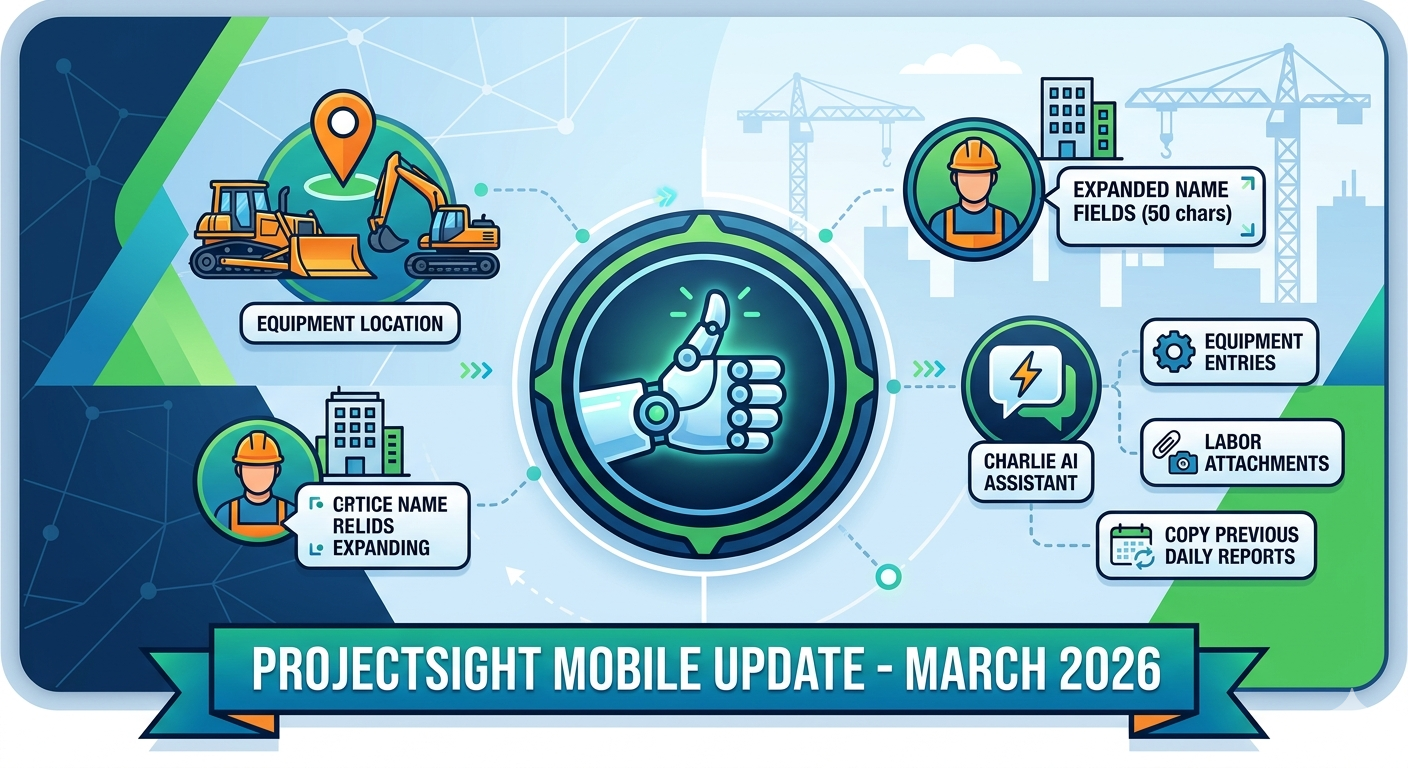

Trimble’s ProjectSight Mobile Version 2.43.0, released March 30, 2026, delivers a focused set of enhancements for Enterprise and Go users centered on Daily Reports and the platform’s AI assistant, Charlie. The release covers equipment location tracking in Daily Reports, Charlie AI chatbot support for equipment entries, labor card attachments via Charlie, and the ability to copy prior daily reports. Let’s take a closer look at each.
Daily Reports – Equipment Location
Enterprise and Go users can now add and view locations on equipment logs within Daily Reports. This is a valuable improvement for teams operating across multiple job sites, as it ensures field data is ready for filtered reporting in the web application. To use it, navigate to the Add Equipment page within a Daily Report, populate the new Location field, and save.
That location will then appear in the equipment log and be available as a reporting filter on the web app. Consistent location entries across your team will make filtered reports significantly more reliable and actionable over time.
Charlie AI Chatbot – Equipment Entries
Charlie, ProjectSight’s AI assistant for Daily Reports, has been expanded to support equipment entries. Previously limited to labor cards, Charlie can now take your conversational input, generate a suggested equipment entry, and present it for your review all within the same conversational interface you already use for labor. A few notes on availability:
• Available to ProjectSight Enterprise and Go users only
• Supported in English
• Requires an active internet connection
Once Charlie generates a proposed equipment card, you have three options: edit, accept, or reject. The editable card lets you adjust the Company, Crew, Equipment, quantity, hours, rate, and notes fields before committing the entry to the report.
Charlie AI Chatbot – Labor Card Attachments
Field users can now attach photos, videos, or files to a proposed labor card before approving it. This makes it straightforward to document site conditions, safety observations, or supporting work details tied to a crew’s shift. The Add attachments link appears after Charlie presents the proposed labor entry – select it before accepting, and your files will be linked directly to that record in the report.
Charlie AI Chatbot – Copy Labor and Equipment from Previous Reports
A new “Copy a report from a previous date” button on the Charlie home page lets you carry over labor and equipment entries from prior daily reports – a significant time-saver for crews performing recurring work. The last six days display in a selectable list, with a “View all available reports” link for older dates.
Select a date, review Charlie’s proposed entry, then edit, accept, or reject it. For labor cards, you also have the option to add attachments before approving – keeping your documentation complete from the start.
The March 2026 release reflects a clear focus on reducing friction in daily reporting workflows. From smarter equipment tracking to a more capable AI assistant, Version 2.43.0 gives your field teams more tools to capture accurate data quickly – right from their phones. If you have any questions about ProjectSight Mobile or are interested in leveraging these new features for your team, please visit our website – ConstrucTech Consulting – and Book a Call with one of our consultants.
Trimble’s ProjectSight Mobile Version 2.43.0, released March 30, 2026, delivers a focused set of enhancements for Enterprise and Go users centered on Daily Reports and the platform’s AI assistant, Charlie. The release covers equipment location tracking in Daily Reports, Charlie AI chatbot support for equipment entries, labor card attachments via Charlie, and the ability to copy prior daily reports. Let’s take a closer look at each.
Daily Reports – Equipment Location
Enterprise and Go users can now add and view locations on equipment logs within Daily Reports. This is a valuable improvement for teams operating across multiple job sites, as it ensures field data is ready for filtered reporting in the web application. To use it, navigate to the Add Equipment page within a Daily Report, populate the new Location field, and save.
That location will then appear in the equipment log and be available as a reporting filter on the web app. Consistent location entries across your team will make filtered reports significantly more reliable and actionable over time.
Charlie AI Chatbot – Equipment Entries
Charlie, ProjectSight’s AI assistant for Daily Reports, has been expanded to support equipment entries. Previously limited to labor cards, Charlie can now take your conversational input, generate a suggested equipment entry, and present it for your review all within the same conversational interface you already use for labor. A few notes on availability:
• Available to ProjectSight Enterprise and Go users only
• Supported in English
• Requires an active internet connection
Once Charlie generates a proposed equipment card, you have three options: edit, accept, or reject. The editable card lets you adjust the Company, Crew, Equipment, quantity, hours, rate, and notes fields before committing the entry to the report.
Charlie AI Chatbot – Labor Card Attachments
Field users can now attach photos, videos, or files to a proposed labor card before approving it. This makes it straightforward to document site conditions, safety observations, or supporting work details tied to a crew’s shift. The Add attachments link appears after Charlie presents the proposed labor entry – select it before accepting, and your files will be linked directly to that record in the report.
Charlie AI Chatbot – Copy Labor and Equipment from Previous Reports
A new “Copy a report from a previous date” button on the Charlie home page lets you carry over labor and equipment entries from prior daily reports – a significant time-saver for crews performing recurring work. The last six days display in a selectable list, with a “View all available reports” link for older dates.
Select a date, review Charlie’s proposed entry, then edit, accept, or reject it. For labor cards, you also have the option to add attachments before approving – keeping your documentation complete from the start.
The March 2026 release reflects a clear focus on reducing friction in daily reporting workflows. From smarter equipment tracking to a more capable AI assistant, Version 2.43.0 gives your field teams more tools to capture accurate data quickly – right from their phones. If you have any questions about ProjectSight Mobile or are interested in leveraging these new features for your team, please visit our website – ConstrucTech Consulting – and Book a Call with one of our consultants.
Trimble’s ProjectSight Mobile Version 2.43.0, released March 30, 2026, delivers a focused set of enhancements for Enterprise and Go users centered on Daily Reports and the platform’s AI assistant, Charlie. The release covers equipment location tracking in Daily Reports, Charlie AI chatbot support for equipment entries, labor card attachments via Charlie, and the ability to copy prior daily reports. Let’s take a closer look at each.
Daily Reports – Equipment Location
Enterprise and Go users can now add and view locations on equipment logs within Daily Reports. This is a valuable improvement for teams operating across multiple job sites, as it ensures field data is ready for filtered reporting in the web application. To use it, navigate to the Add Equipment page within a Daily Report, populate the new Location field, and save.
That location will then appear in the equipment log and be available as a reporting filter on the web app. Consistent location entries across your team will make filtered reports significantly more reliable and actionable over time.
Charlie AI Chatbot – Equipment Entries
Charlie, ProjectSight’s AI assistant for Daily Reports, has been expanded to support equipment entries. Previously limited to labor cards, Charlie can now take your conversational input, generate a suggested equipment entry, and present it for your review all within the same conversational interface you already use for labor. A few notes on availability:
• Available to ProjectSight Enterprise and Go users only
• Supported in English
• Requires an active internet connection
Once Charlie generates a proposed equipment card, you have three options: edit, accept, or reject. The editable card lets you adjust the Company, Crew, Equipment, quantity, hours, rate, and notes fields before committing the entry to the report.
Charlie AI Chatbot – Labor Card Attachments
Field users can now attach photos, videos, or files to a proposed labor card before approving it. This makes it straightforward to document site conditions, safety observations, or supporting work details tied to a crew’s shift. The Add attachments link appears after Charlie presents the proposed labor entry – select it before accepting, and your files will be linked directly to that record in the report.
Charlie AI Chatbot – Copy Labor and Equipment from Previous Reports
A new “Copy a report from a previous date” button on the Charlie home page lets you carry over labor and equipment entries from prior daily reports – a significant time-saver for crews performing recurring work. The last six days display in a selectable list, with a “View all available reports” link for older dates.
Select a date, review Charlie’s proposed entry, then edit, accept, or reject it. For labor cards, you also have the option to add attachments before approving – keeping your documentation complete from the start.
The March 2026 release reflects a clear focus on reducing friction in daily reporting workflows. From smarter equipment tracking to a more capable AI assistant, Version 2.43.0 gives your field teams more tools to capture accurate data quickly – right from their phones. If you have any questions about ProjectSight Mobile or are interested in leveraging these new features for your team, please visit our website – ConstrucTech Consulting – and Book a Call with one of our consultants.


Get Started
Take your construction company to the next level. Schedule your initial free consultation and analysis.