
Tip Tuesday
What’s New in Vista Web (2026 R6)
Spanish Support, Smarter Forms, and Field Upgrades
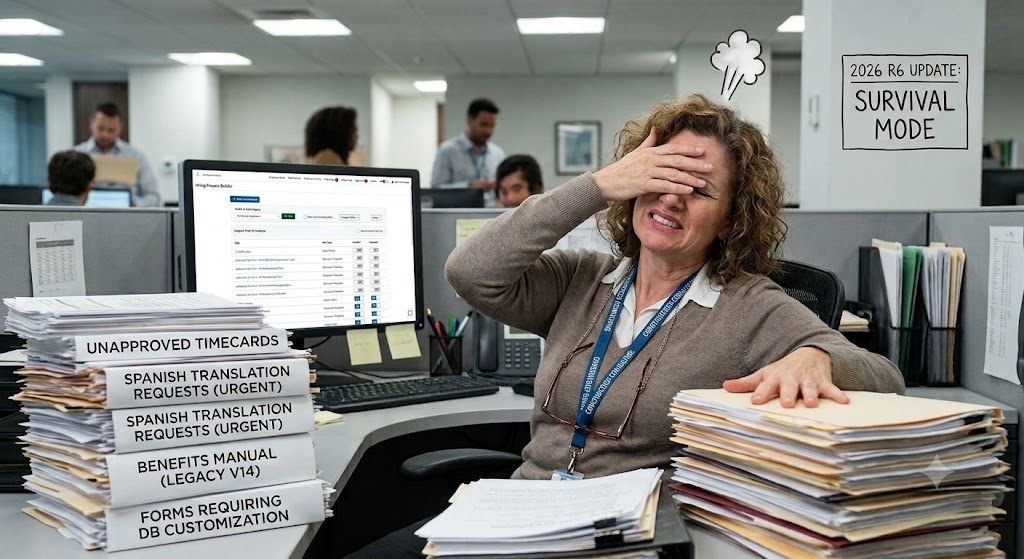

The June 2026 R6 update for the Viewpoint Vista Web Portal and FieldManagement Mobile is officially live. If you are on the cloud, these updates are already knocking on your door. This release is all about making the system work the way your actual business works, bringing smarter forms, better mobile features, and a huge upgrade for multi-language teams.
Here are the five biggest changes you need to know about, along with thereal-world catch for each one.
The Big Five Updates
1. Onboarding Now Speaks Spanish
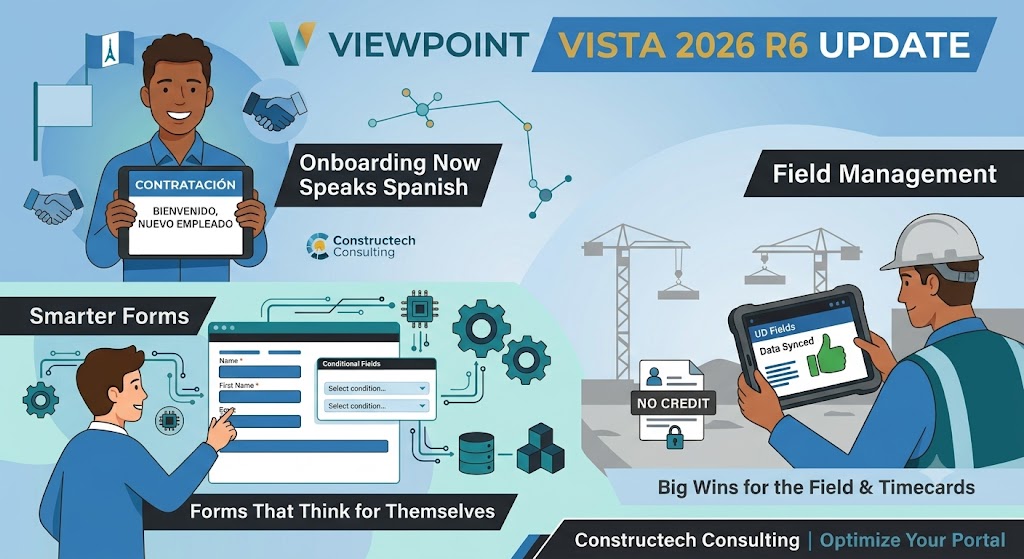
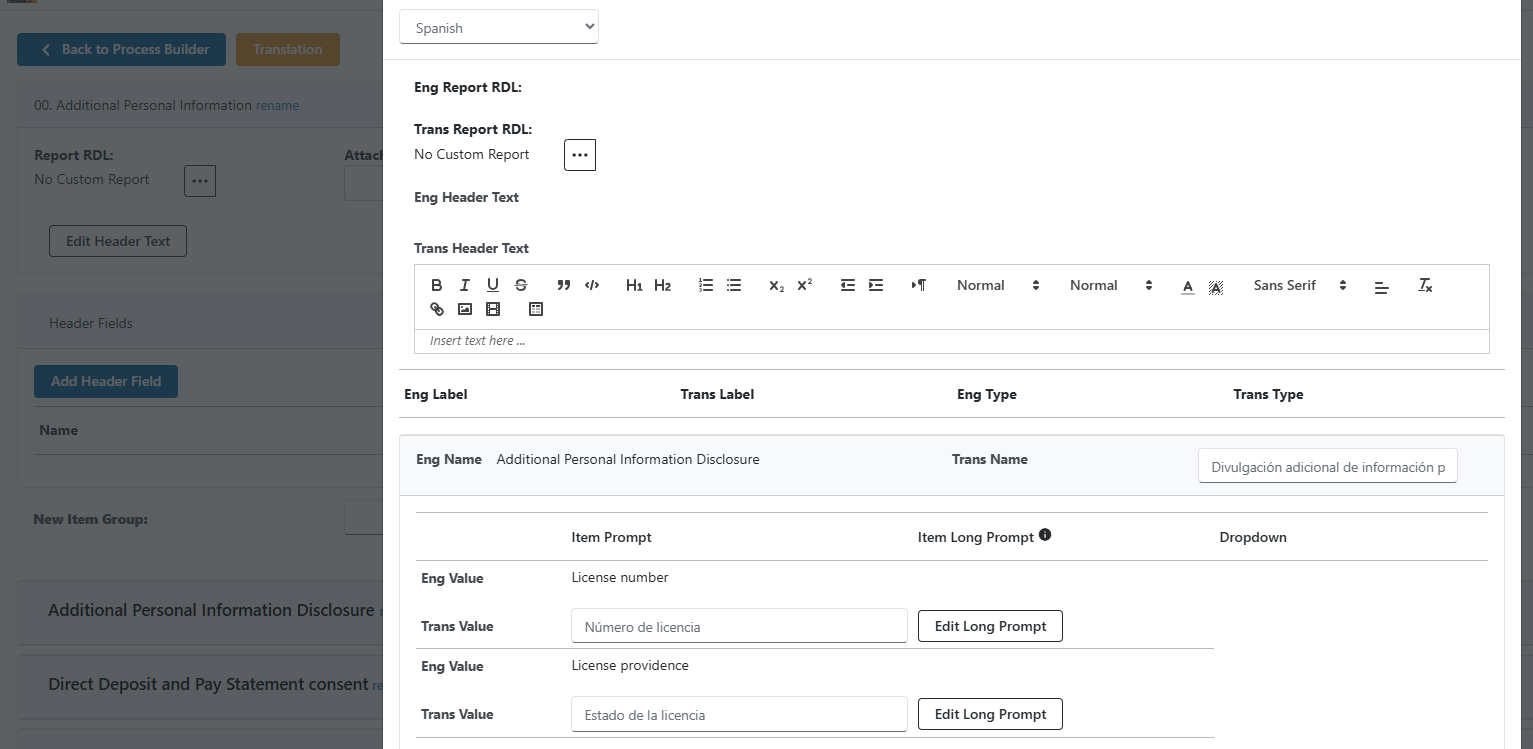
Say goodbye to the awkward Google Translate copy-pasting. Onboarding now lets you create a Spanish version of your custom tasks and document templates. When a new hire picks Spanish, the system handles the rest.
The Constructech Catch: You still have to actually set up and translate the templates. If your Spanish is a little rusty, give us a shout and we can help you get these new tracks built out and tested.
2. Forms That Think for Themselves
Ever wish your forms were smart enough to say, "Hey, because you clicked Option A, you now must fill out Box B"? Now they can. Across Performance Reviews, Training, and Forms, you can set up logic that makes fields mandatory only when certain conditions are met.
The Constructech Catch: This requires some backend database magic. You cannot just click a button to turn it on, but our Viewpoint Professional Services or Fiddletree Systems can write the exact rules you need so your data stays perfectly clean.
3. Big Wins for the Field and Timecards
Field Management Mobile just got a lot less annoying. User-Defined fields are now on by default, meaning your custom fields will actually save and sync across app sessions without disappearing into the void. Plus, the portal now looks at Vista’s AR Customer "On Hold" settings, blocking technicians from accidentally doing work for a customer who has a locked credit account.
The Constructech Catch: No more awkward "we shouldn't have worked for them" conversations, but you do need to make sure your company parameters are mapped right.
4. The Cloud Report Library Migration Is Here
For cloud users, Trimble is moving everyone to a brand-new report setup. For now, your old reports are renamed to Reports (Legacy) and your new ones will live under Reports. They will both hang out together until the end of the year.
The Constructech Catch: Custom data sources are not supported in the new layout yet. If you have heavily customized reports, turning this on too fast might break your view. Let us look at your setup first so we can map out a safe migration.
5. Type on the Web, Update the Core
If your team uses Office Tools on the web, you can now add, edit, and delete entries on a bunch of standard Vista forms right from your browser. Things like PM Projects, SM Customers, and PM Issues will instantly update back to your main Vista database.
The Constructech Catch: Security is key here. We can help you audit your portal permissions so only the right people are editing your core data from the web.
Want to Get This All Working Without the Headache?
A lot of these features are great, but they require some backend setup. Whether it is configuring the new Trimble ID login rules, mapping out Spanish documents, or writing the custom logic to make your forms smarter, you do not have to struggle through it alone.
Let the team at ConstructechConsulting do the heavy lifting so you can just enjoy the new features.
The June 2026 R6 update for the Viewpoint Vista Web Portal and FieldManagement Mobile is officially live. If you are on the cloud, these updates are already knocking on your door. This release is all about making the system work the way your actual business works, bringing smarter forms, better mobile features, and a huge upgrade for multi-language teams.
Here are the five biggest changes you need to know about, along with thereal-world catch for each one.
The Big Five Updates
1. Onboarding Now Speaks Spanish
Say goodbye to the awkward Google Translate copy-pasting. Onboarding now lets you create a Spanish version of your custom tasks and document templates. When a new hire picks Spanish, the system handles the rest.
The Constructech Catch: You still have to actually set up and translate the templates. If your Spanish is a little rusty, give us a shout and we can help you get these new tracks built out and tested.
2. Forms That Think for Themselves
Ever wish your forms were smart enough to say, "Hey, because you clicked Option A, you now must fill out Box B"? Now they can. Across Performance Reviews, Training, and Forms, you can set up logic that makes fields mandatory only when certain conditions are met.
The Constructech Catch: This requires some backend database magic. You cannot just click a button to turn it on, but our Viewpoint Professional Services or Fiddletree Systems can write the exact rules you need so your data stays perfectly clean.
3. Big Wins for the Field and Timecards
Field Management Mobile just got a lot less annoying. User-Defined fields are now on by default, meaning your custom fields will actually save and sync across app sessions without disappearing into the void. Plus, the portal now looks at Vista’s AR Customer "On Hold" settings, blocking technicians from accidentally doing work for a customer who has a locked credit account.
The Constructech Catch: No more awkward "we shouldn't have worked for them" conversations, but you do need to make sure your company parameters are mapped right.
4. The Cloud Report Library Migration Is Here
For cloud users, Trimble is moving everyone to a brand-new report setup. For now, your old reports are renamed to Reports (Legacy) and your new ones will live under Reports. They will both hang out together until the end of the year.
The Constructech Catch: Custom data sources are not supported in the new layout yet. If you have heavily customized reports, turning this on too fast might break your view. Let us look at your setup first so we can map out a safe migration.
5. Type on the Web, Update the Core
If your team uses Office Tools on the web, you can now add, edit, and delete entries on a bunch of standard Vista forms right from your browser. Things like PM Projects, SM Customers, and PM Issues will instantly update back to your main Vista database.
The Constructech Catch: Security is key here. We can help you audit your portal permissions so only the right people are editing your core data from the web.
Want to Get This All Working Without the Headache?
A lot of these features are great, but they require some backend setup. Whether it is configuring the new Trimble ID login rules, mapping out Spanish documents, or writing the custom logic to make your forms smarter, you do not have to struggle through it alone.
Let the team at ConstructechConsulting do the heavy lifting so you can just enjoy the new features.
The June 2026 R6 update for the Viewpoint Vista Web Portal and FieldManagement Mobile is officially live. If you are on the cloud, these updates are already knocking on your door. This release is all about making the system work the way your actual business works, bringing smarter forms, better mobile features, and a huge upgrade for multi-language teams.
Here are the five biggest changes you need to know about, along with thereal-world catch for each one.
The Big Five Updates
1. Onboarding Now Speaks Spanish
Say goodbye to the awkward Google Translate copy-pasting. Onboarding now lets you create a Spanish version of your custom tasks and document templates. When a new hire picks Spanish, the system handles the rest.
The Constructech Catch: You still have to actually set up and translate the templates. If your Spanish is a little rusty, give us a shout and we can help you get these new tracks built out and tested.
2. Forms That Think for Themselves
Ever wish your forms were smart enough to say, "Hey, because you clicked Option A, you now must fill out Box B"? Now they can. Across Performance Reviews, Training, and Forms, you can set up logic that makes fields mandatory only when certain conditions are met.
The Constructech Catch: This requires some backend database magic. You cannot just click a button to turn it on, but our Viewpoint Professional Services or Fiddletree Systems can write the exact rules you need so your data stays perfectly clean.
3. Big Wins for the Field and Timecards
Field Management Mobile just got a lot less annoying. User-Defined fields are now on by default, meaning your custom fields will actually save and sync across app sessions without disappearing into the void. Plus, the portal now looks at Vista’s AR Customer "On Hold" settings, blocking technicians from accidentally doing work for a customer who has a locked credit account.
The Constructech Catch: No more awkward "we shouldn't have worked for them" conversations, but you do need to make sure your company parameters are mapped right.
4. The Cloud Report Library Migration Is Here
For cloud users, Trimble is moving everyone to a brand-new report setup. For now, your old reports are renamed to Reports (Legacy) and your new ones will live under Reports. They will both hang out together until the end of the year.
The Constructech Catch: Custom data sources are not supported in the new layout yet. If you have heavily customized reports, turning this on too fast might break your view. Let us look at your setup first so we can map out a safe migration.
5. Type on the Web, Update the Core
If your team uses Office Tools on the web, you can now add, edit, and delete entries on a bunch of standard Vista forms right from your browser. Things like PM Projects, SM Customers, and PM Issues will instantly update back to your main Vista database.
The Constructech Catch: Security is key here. We can help you audit your portal permissions so only the right people are editing your core data from the web.
Want to Get This All Working Without the Headache?
A lot of these features are great, but they require some backend setup. Whether it is configuring the new Trimble ID login rules, mapping out Spanish documents, or writing the custom logic to make your forms smarter, you do not have to struggle through it alone.
Let the team at ConstructechConsulting do the heavy lifting so you can just enjoy the new features.


Get Started
Take your construction company to the next level. Schedule your initial free consultation and analysis.